
Grok Imagine — Fast HD Videos from Prompts
Turn prompts or photos into short HD clips quickly with Grok Imagine.
Feedback
AI Tools
Explore AI tools

Seedance2.0
The Future of AI Video Is Here.

Free AI Image
Best Image Generator

Veo3
Create Stunning Videos with Veo3.1

AI Educational Video Generator
Generate Educational videos easily

AI Explain Video Generator
Create explain videos easily

AI 3D Medical Animation Generator
Create 3D medical animations easily

Kling3
Next-Gen AI Video Generator
Grok Video Generator
Create Videos from Text or Images with AI
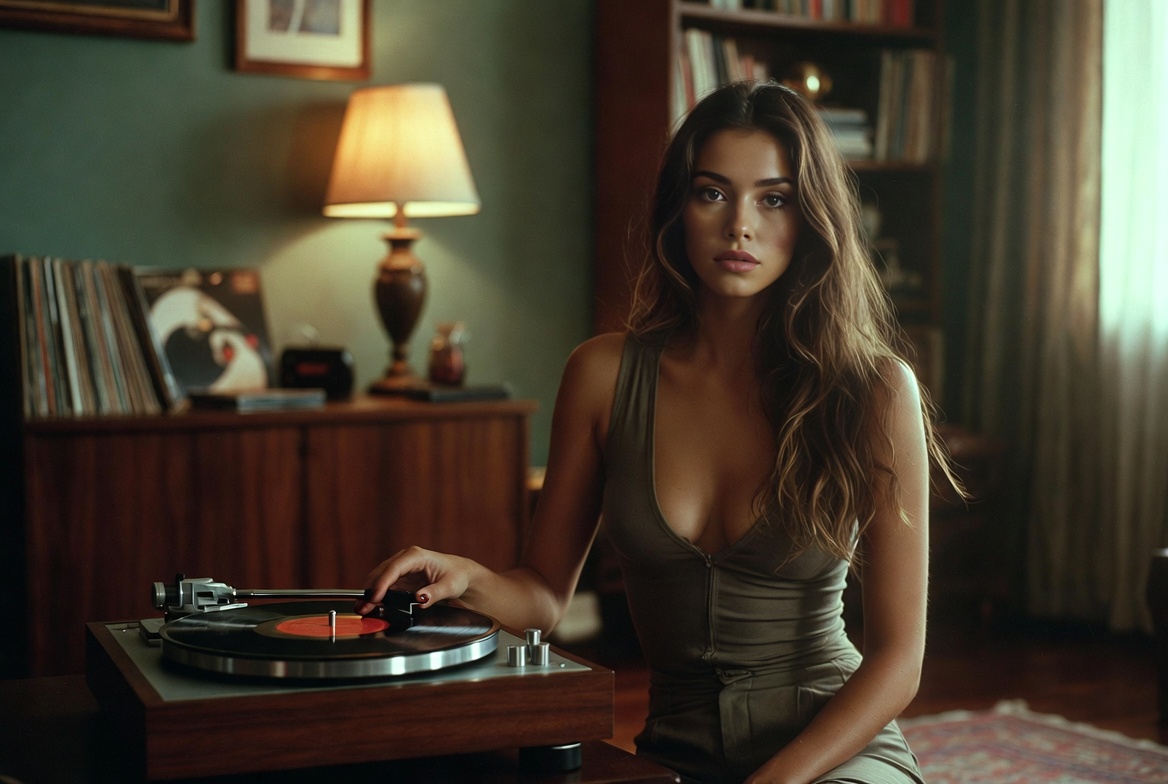
Why Grok Imagine
Grok Imagine quickly turns text or images into professional-looking HD clips.
- Text-to-VideoConvert prompts into scenes quickly.
- Image-to-VideoAnimate photos with natural motion.
- HD OutputFast rendering up to 1080p.
How to use Grok Imagine
Four quick steps to create an HD clip with Grok.
Grok Imagine Features
Flexible controls to style fast, shareable videos.
Multi-Character
Handle multiple subjects.
Realistic Motion
Smooth, natural movement.
Style Options
Multiple visual looks.
HD Export
Export up to 1080p.
Control
Adjust timing and framing.
Fast
Quick render times.
Grok Imagine — FAQs
Quick answers about Grok Imagine.
What is Grok Imagine?
Grok Imagine creates videos from text prompts or images.
What videos can I make?
Social clips, ads, stories, and promos.
How fast is generation?
Most clips finish in about 2–3 minutes.
Can I download?
Yes — preview and download your Grok videos.
Is commercial use allowed?
Commercial rights depend on your subscription.
What quality is available?
Grok supports 480p, 720p, and 1080p.
Create videos with Imagine Video Generator
Make professional HD videos fast with Imagine Video Generator.