
Grok Video Generator — Create HD Videos from Prompts & Images
Grok Video Generator converts short prompts or reference images into high-quality HD videos. Use Grok Video Generator to produce social clips, product ads and cinematic scenes with dependable, production-ready results.
Feedback
AI Tools
Explore AI tools

Seedance2.0
The Future of AI Video Is Here.

Free AI Image
Best Image Generator

Veo3
Create Stunning Videos with Veo3.1

AI Educational Video Generator
Generate Educational videos easily

AI Explain Video Generator
Create explain videos easily

AI 3D Medical Animation Generator
Create 3D medical animations easily

Kling3
Next-Gen AI Video Generator
Grok Video Generator
Create Videos from Text or Images with AI
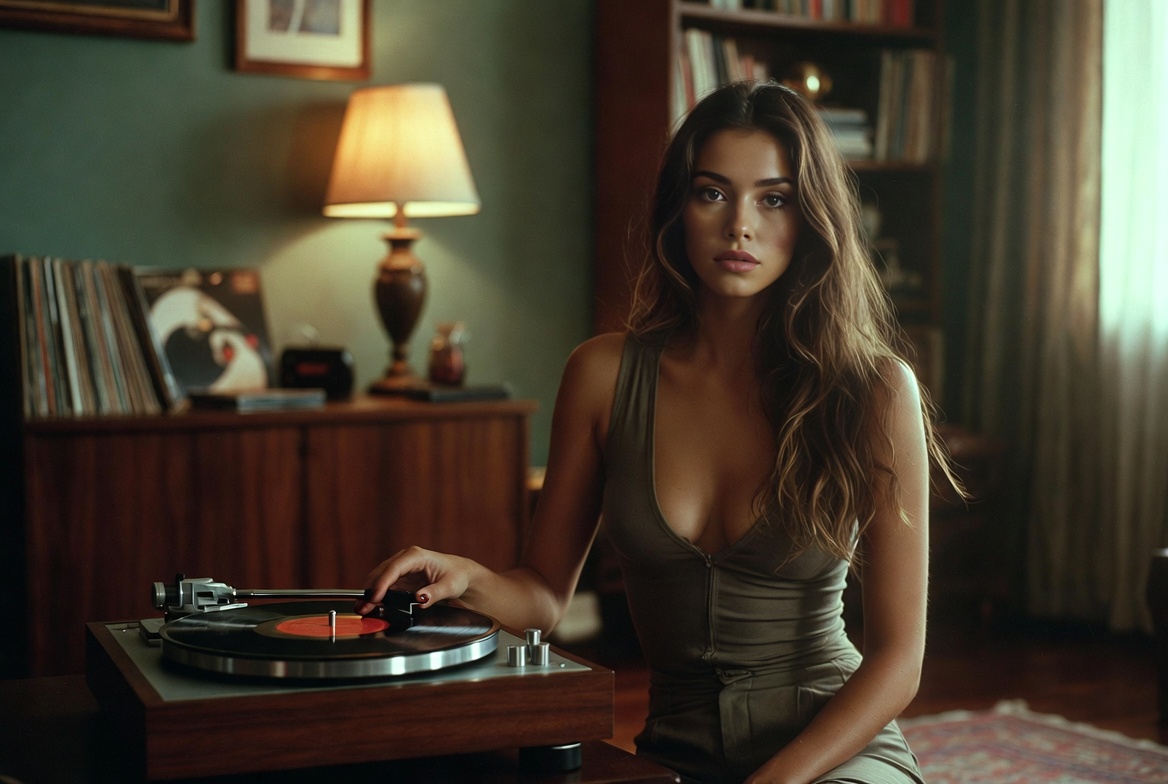
Why Choose Grok Video Generator
Grok Video Generator accelerates HD video production from brief prompts or reference images, helping creators and teams publish polished clips faster and with consistent quality.
- Text-to-VideoCreate cinematic sequences from concise prompts with Grok Video Generator.
- Image-to-VideoAnimate photos into smooth HD clips while maintaining composition with Grok Video Generator.
- HD QualityExport 720p–1080p clips tailored for social, ads and storytelling using Grok Video Generator.
Create Videos in 4 Steps
A short workflow to produce HD videos: pick input, add assets, set options, render and refine with Grok Video Generator.
Grok Video Generator Features
Grok Video Generator delivers advanced AI features that speed production and give creators precise control for short-form and marketing videos.
Complex Scene Support
Assemble multi-character, multi-shot sequences while maintaining visual continuity through Grok Video Generator.
Realistic Motion
Generate believable movement and natural camera behavior with Grok Video Generator.
Style Variety
Switch between cinematic, social and branded visual looks rapidly using Grok Video Generator.
HD Output
Export 720p–1080p clips optimized for sharing and advertising with Grok Video Generator.
Creative Controls
Tune camera, timing and composition to get precise results from Grok Video Generator.
Fast Generation
Move ideas into editable drafts and final clips quickly using Grok Video Generator.
Grok Video Generator — Frequently Asked Questions
Common questions about inputs, speed, output options and licensing when creating videos with Grok Video Generator.
What is Grok Video Generator?
A video AI that converts text and images into HD clips using Grok Video Generator technology.
What video types are supported?
Create social clips, product ads, story scenes and marketing videos using Grok Video Generator.
How long does generation take?
Most previews finish in 2–3 minutes depending on length, model and queue when using Grok Video Generator.
Can I download videos?
Yes — download MP4 files after processing; check your plan for watermarking and licensing terms for Grok Video Generator outputs.
Is commercial use allowed?
Commercial rights vary by subscription; review your plan for allowed uses of Grok Video Generator outputs.
What quality options exist?
Select 480p, 720p or 1080p output to match distribution needs when generating with Grok Video Generator.
Start Creating with Grok Video Generator
Create professional HD videos from prompts and images — Grok Video Generator helps you publish polished clips faster.